The Game Quality Engine
TopMod turns testing activity into better bug reporting, faster fixes, earlier risk signals and smarter studio decisions.
Request a demoBug Lifecycle
Capture the moment. Keep the context.
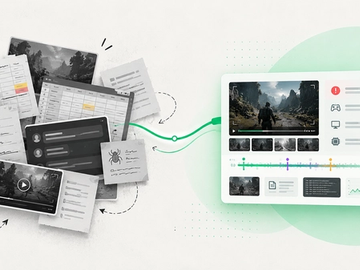
Quality starts with what actually happened. TopMod keeps context connected from the moment an issue is identified to the moment it reaches a developer.
01 · Capture
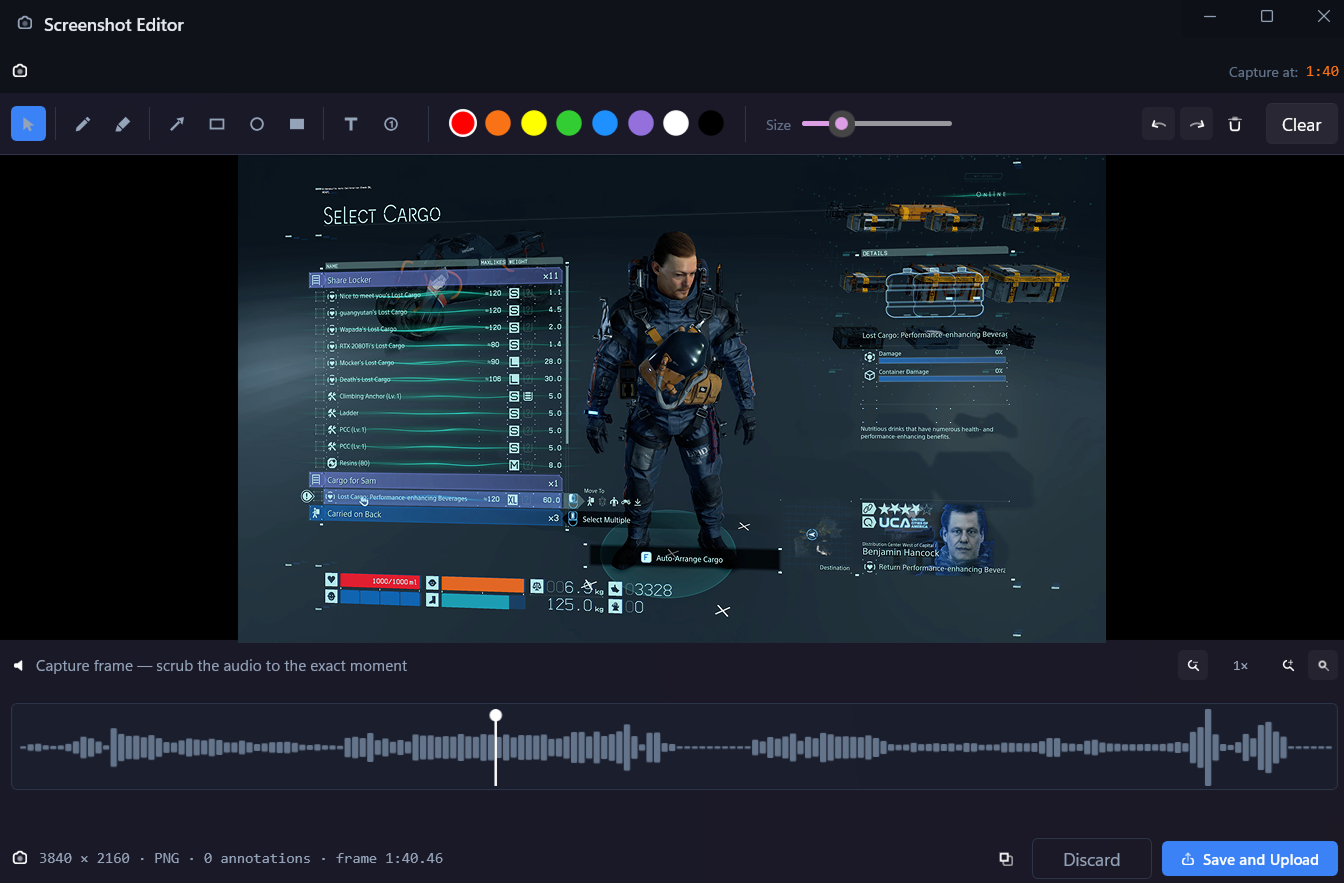
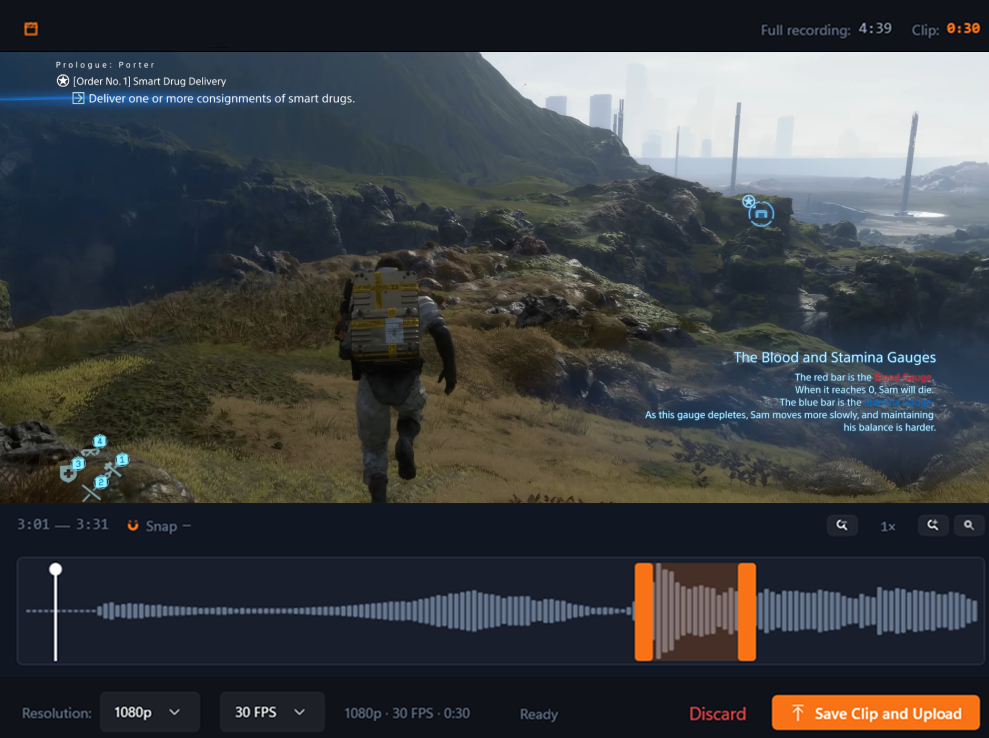
Streamlined bug capture in the native app.
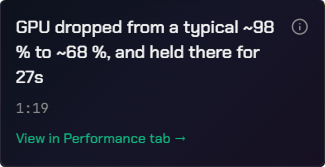
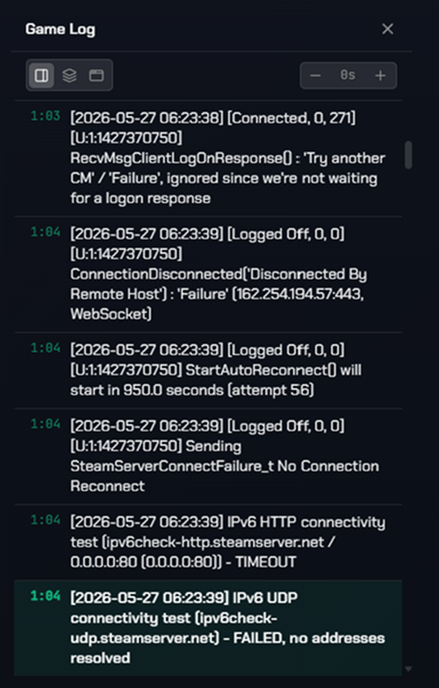
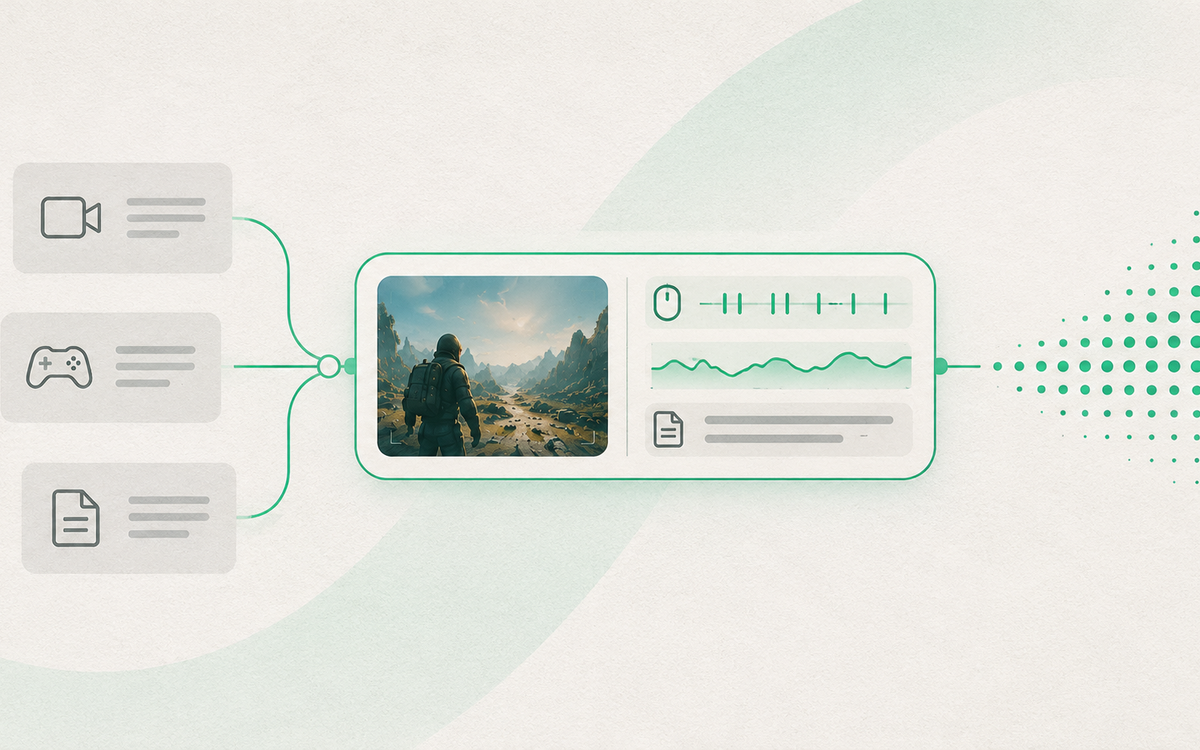
Capture runs in the background on the tester's machine, recording gameplay, inputs, performance context and game logs. Clips and screenshots are taken with a hotkey, trimmed and annotated without leaving the session.


02 · Enrich
Testers review the footage and add what they saw.
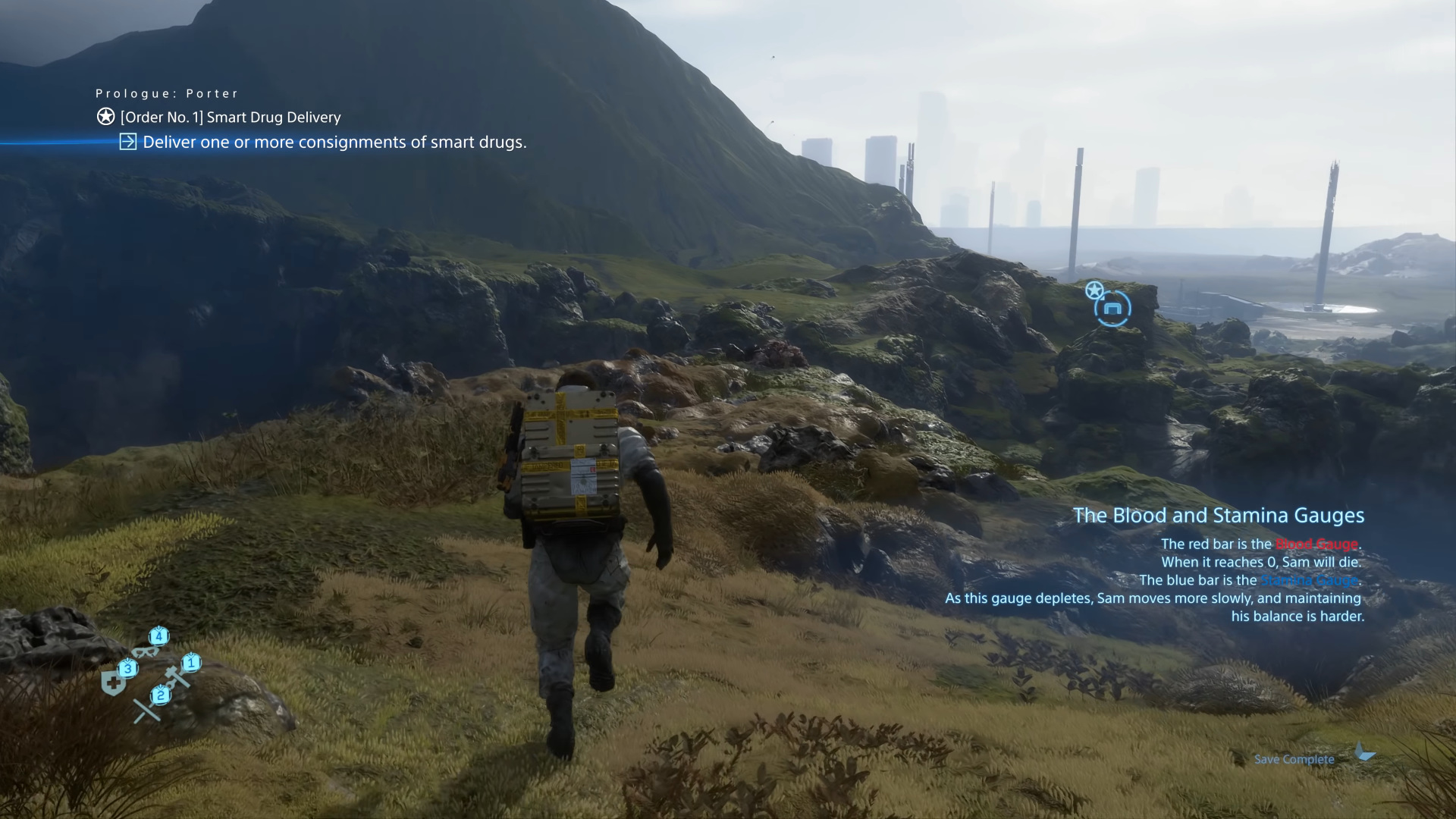
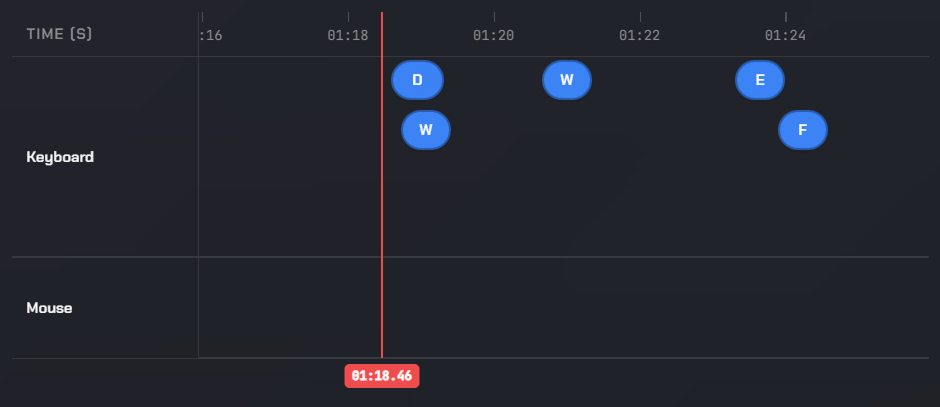
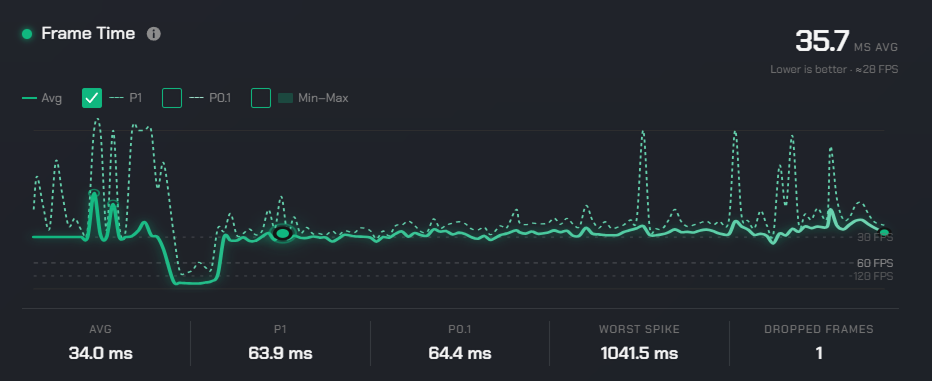
Back in Evidence, the tester replays their session against inputs, performance and game logs, then annotates the exact moment the issue occurred.
Comments
Written notes pinned to the exact frame.
Markers
Flag the moment the issue actually occurs.
Drawings
Draw directly on the frame to show the defect.
Voice notes
Explain the context without writing it out.
03 · Review
Every bug is scored, matched and reviewed.
Bugs are submitted in Checkpoint with the evidence attached. Each one receives a weighted quality score, is matched against duplicates and regressions, and is reviewed by AI or by a human before it moves on.
Matching
AI review
Checks completeness, clarity and required fields before a person is involved.
Human review
A lead confirms the finding, the evidence and the severity.
04 · Hand Off
Developers receive a report they can act on.
What reaches development is a complete ticket: the reviewed write-up, the session evidence behind it and the context needed to reproduce it. Less back-and-forth, fewer rejected reports and faster resolution.


Animation hitch on traversal after checkpoint reload
Evidence link
One link, no downloads, no re-recording.
Reproduction steps
Written, reviewed and checked before hand-off.
Session context
Build, device, inputs, performance and game logs.
Triage state
Duplicates, regressions and known issues already resolved.
Observe and manage
Identify risk early and execute mitigation planning with confidence.
Intel
Understand quality trends.
Intel reads across sessions, findings and coverage to surface the signals worth acting on, before they become a problem in the build.
Traversal coverage falling
Traversal areas untested since build 0.9.38 — where TM-142 was found.
Regression rate +18%
4 reopened findings this sprint
Backlog trend worsening
Open issues up three sprints
Command
Assign the correct resources.
Command turns that signal into a plan: who is testing what, on which devices, with the availability and skills to cover it next sprint.
Response · traversal coverage
2 additional testers required next sprint
Availability next sprint
Device coverage
The utility layer that keeps the Studio informed and aligned
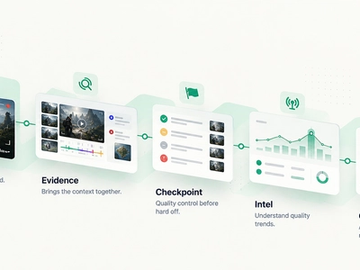
Capture, Evidence, Checkpoint, Intel and Command sit inside a wider workspace: in-app inbox, built-in documentation and organization management, all connected by the tools your Studio already works in.
In-app inbox
Key changes are shared in-app as they happen, so nobody has to go looking for them.
Extensive customization
Workflows, fields, review rules and reporting adapt to how each Studio already works.
Built-in documentation
Supporting project guidance, knowledge bases and process frameworks exist alongside the workflows.
Organization & workspaces
Projects, teams, roles and access managed per Studio, without extra tooling.
Integrations
See what Game Quality looks like when everything is connected.
Explore how TopMod could fit into your Studio's Quality Operation.